

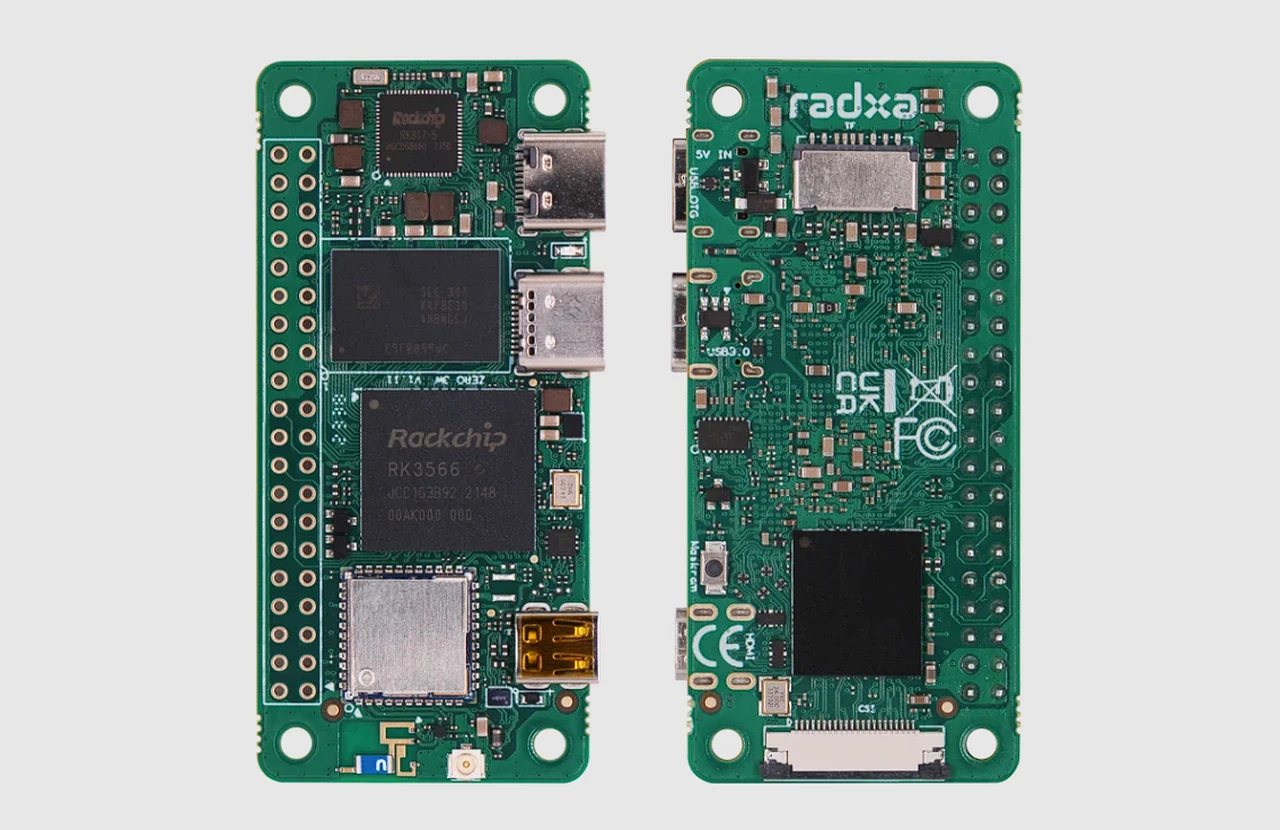
Single-Board Computer Projects Beyond Raspberry Pi: Your Next Big Build Awaits
Let’s be honest, the Raspberry Pi is a legend. It’s the gateway drug for makers, the Swiss Army knife of tiny computers. But here’s the deal: the world of single-board computers (SBCs) is vast, vibrant, and full of alternatives that might just be the perfect fit for your next project. Whether you’re frustrated by Pi shortages, need more raw power, or crave specialized features, looking beyond the familiar can unlock incredible potential.
Think of it like this. If the Raspberry Pi is a reliable, do-everything compact car, the wider SBC landscape includes rugged trucks, nimble sports cars, and even specialized construction vehicles. The key is matching the board to the job. So, let’s dive into some brilliant single-board computer projects you can tackle with other, often overlooked, champions.
Why Look Beyond the Raspberry Pi?
It’s not about abandoning ship. It’s about choosing the right tool. Maybe you need native SATA for a low-power NAS server without messy USB adapters. Perhaps your AI tinkering demands a dedicated NPU (Neural Processing Unit). Or, you know, you simply want a board that’s in stock and at a stable price. These are the real-world pain points driving the search for Raspberry Pi alternatives.
Project Showcase: Brilliant Builds with Alternative SBCs
1. The Always-On, Whisper-Quiet Home Server (Featuring Odroid or RockPi)
Forget the whirring fans and power-hungry towers. A home server built on a board like the Odroid HC4 or RockPi 4 is a game-changer. These boards often come with that coveted native SATA port, allowing you to connect hard drives directly for faster, more reliable storage.
Project Core: Install a lightweight OS like Armbian or DietPi, then set up Docker. From there, you can spin up containers for:
- Media streaming (Jellyfin or Plex)
- File synchronization (Nextcloud)
- Network-wide ad blocking (Pi-hole)
- Automated backups for your family’s devices
The result? A centralized, energy-sipping digital hub that just… works. It’s the silent butler of your smart home.
2. The Retro Gaming Powerhouse (Starring the Orange Pi 5 or Libre Computer Board)
Sure, the Pi can run RetroPie. But if you want to push into PlayStation 1, N64, and even some PSP games with buttery-smooth upscaling, you need more GPU grunt. Enter boards like the Orange Pi 5 with its powerful RK3588 chip.
This project is all about emulation performance. The process is familiar—flash an image like JelOS or ArkOS to a microSD card—but the experience is supercharged. You’ll get access to more advanced shaders, higher resolutions, and a consistently higher frame rate. It’s the difference between playing a classic and truly reliving it in HD.
3. The Edge AI & Machine Learning Prototype (Featuring the NVIDIA Jetson Nano or Google Coral Dev Board)
This is where specialized hardware truly shines. If your project involves object detection, image classification, or any real-time AI, a general-purpose SBC can struggle. Boards like the NVIDIA Jetson Nano or those with a Google Coral TPU are built for this.
Imagine building a smart bird feeder that identifies species, a home security camera that distinguishes between a person, a car, and a wandering cat, or a robot that navigates by sight. These boards handle the intense tensor calculations efficiently, right at the “edge” of the network, without needing constant cloud connectivity. It’s a fascinating, cutting-edge playground.
Choosing Your Champion: A Quick Comparison
| Board (Example) | Key Strength | Ideal Project Type |
| Odroid HC4 | Dual SATA ports, low power | Network Attached Storage (NAS), Home Server |
| Orange Pi 5 | High CPU/GPU performance, good I/O | Retro Gaming, Desktop Replacement, Media Center |
| Libre Computer AML-S905X-CC | Cost-effective, great community | Lightweight Servers, Learning Linux, IoT Hub |
| NVIDIA Jetson Nano | GPU with CUDA cores for AI | Machine Learning, Robotics, Computer Vision |
| Banana Pi BPI-M5 | Well-rounded, often good availability | All-Purpose Maker Projects, Cluster Computing |
The Real Talk: Challenges & Considerations
It’s not all sunshine, of course. Venturing beyond the Raspberry Pi ecosystem means you might trade some convenience. Community support, while often passionate, can be smaller. You might spend a bit more time getting the right OS image or debugging a quirky driver. That’s the trade-off for specialization or better specs.
My advice? Before you buy, spend an hour browsing the board’s official forum and subreddit. Check for active development and recent posts about the project you want to do. A little reconnaissance saves a ton of frustration later.
Your Next Steps
So, where do you start? Honestly, pick a project that genuinely excites you. Is it that silent NAS you’ve been dreaming of? Or maybe that AI-powered garden monitor? Let the project dictate the hardware, not the other way around.
The landscape of single-board computers is a testament to open-source innovation and creativity. Each board, with its unique quirks and capabilities, is a key to a different door. The Raspberry Pi opened the first door for millions of us. But now, the hallway is lined with others, each leading to rooms full of new possibilities. The real question isn’t which board is best—it’s what do you want to build next?
