

The Practical Guide to AI-Augmented Software Development and Coding Assistants
Let’s be honest. The way we write code is changing—fast. It’s not about robots taking over, not really. It’s more like getting a supremely knowledgeable, tireless co-pilot who’s read every manual, every Stack Overflow thread, and half of GitHub. That’s the promise of AI-augmented software development. And honestly, it’s already here.
This guide isn’t about hype. It’s a practical look at how these AI coding assistants work, how to weave them into your daily flow, and—crucially—how to keep your own skills sharp in the process. Think of it less as a replacement and more as a force multiplier.
What Exactly Are AI Coding Assistants?
At their core, these are tools trained on vast oceans of public code, documentation, and natural language. They use large language models (LLMs) to predict and generate what comes next, whether that’s a line of code, a whole function, or a complex explanation. They’re not “thinking” in the human sense; they’re pattern-matching at a staggering scale.
The key players you’ve probably heard of? GitHub Copilot is the ubiquitous one, right in your IDE. Amazon CodeWhisperer is its cloud-focused counterpart. And then there are chat-based interfaces like ChatGPT or specialized ones like Claude for broader design discussions. They all have slightly different flavors, but the goal is the same: reduce boilerplate, squash bugs, and speed up the journey from idea to execution.
The Real-World Workflow: Where AI Shines (And Stumbles)
Okay, so how do you actually use this day-to-day? Here’s the deal. The magic happens in a few specific areas.
1. Beating Blank Page Syndrome
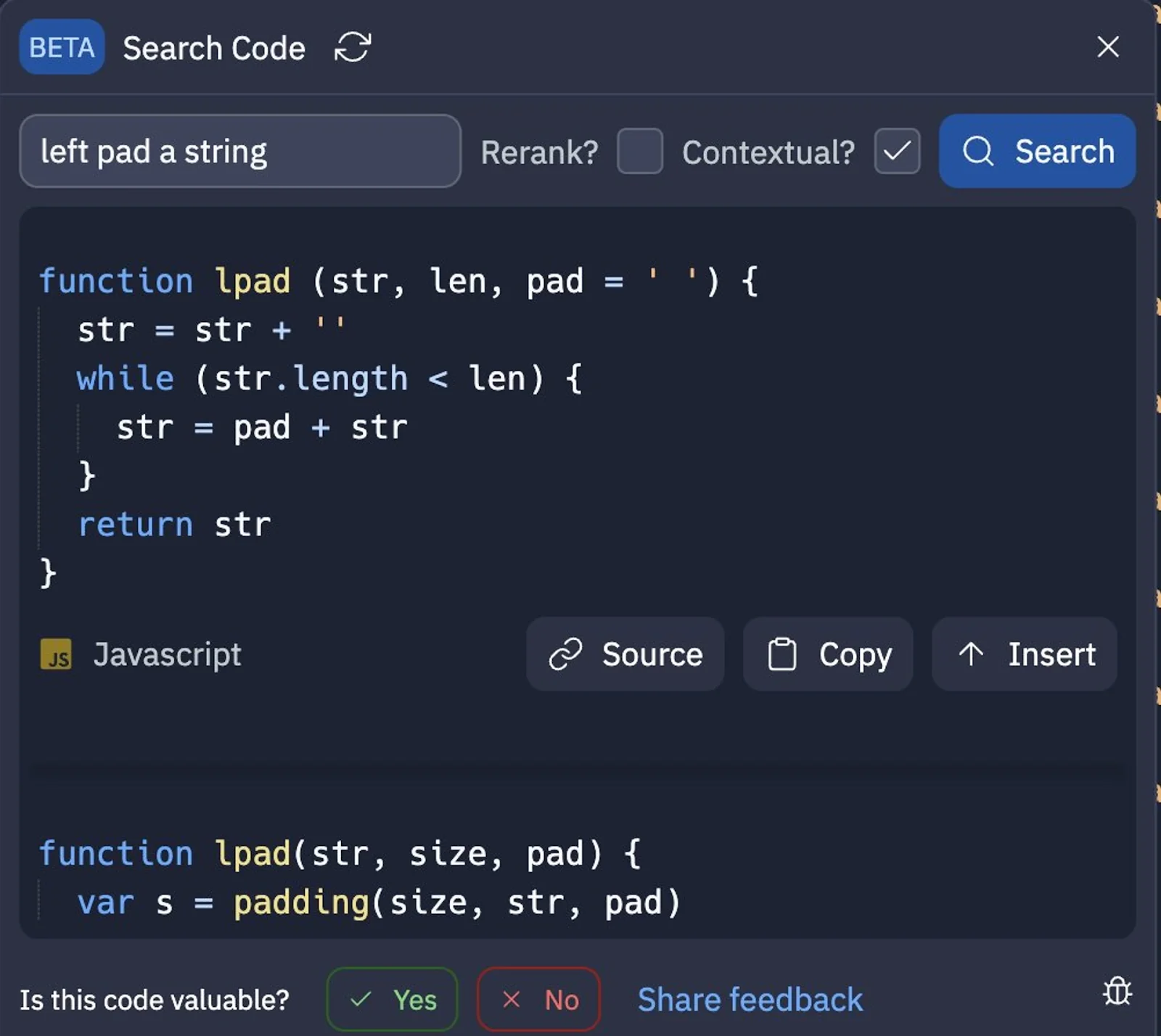
Starting a new file is the worst. An AI assistant crushes this. You can write a comment describing what you need—// function to validate user email and check domain against blocklist—and it’ll generate a solid first draft. It’s like a supercharged autocomplete that understands intent. This is a huge win for productivity, especially with repetitive or boilerplate code.
2. The In-IDE Research Partner
Forgot the exact syntax for that obscure MongoDB aggregation pipeline? Instead of tabbing out to a browser, you can just ask your AI pair programmer inline. It provides code snippets in context, often with helpful explanations. It cuts down context-switching, which is a silent killer of deep work.
3. Explaining Legacy Code (The “What Does This Even Do?” Problem)
We’ve all inherited a gnarly, undocumented function. Now, you can highlight it and ask, “Explain this.” The AI will break it down in plain English. You can even ask it to suggest optimizations or identify potential security flaws. It’s like having a senior dev looking over your shoulder, instantly.
But Here’s The Catch…
They confidently hallucinate. Seriously. An AI might generate code that looks perfect but uses a deprecated library or a non-existent API endpoint. It’s a brilliant mimic, not a truth-teller. You must review and understand every line it writes. It’s a assistant, not an authority.
Choosing Your Tool: A Quick, Practical Comparison
Not all assistants are created equal. Your choice depends on your stack, your workflow, and honestly, your budget. Here’s a stripped-down look.
| Tool | Primary Strength | Best For | Consideration |
| GitHub Copilot | Deep IDE integration, vast language support. | Generalists, polyglot projects, VS Code/ JetBrains users. | Paid subscription; the default choice for many. |
| Amazon CodeWhisperer | AWS integration, security scanning, free for individuals. | Developers building on AWS, cost-conscious teams. | Slightly less polished than Copilot in some IDEs. |
| ChatGPT (Plus)/ Claude | Conversational, broad design & planning, documentation. | Architecting solutions, writing docs, debugging complex logic. | Context-switching out of IDE; subscription for best models. |
Integrating AI Without Losing Your Edge
This is the big fear, right? That we’ll become dependent and our skills will atrophy. It’s a valid concern. The trick is to use the AI strategically, not as a crutch.
Use it for the “what,” not the “how.” You define the problem and the architecture. Let the AI handle the implementation details of a well-understood pattern. You stay in the driver’s seat.
Treat its output as a first draft. Always refactor, always tweak, always make it your own. Ask yourself why it wrote the code that way. That act of critical review is where real learning happens.
Practice “AI-free” coding sessions. Seriously. Block out time to tackle problems without any help. It’s like mental weightlifting. It keeps your fundamental muscles strong.
The Human Skills That Matter More Than Ever
As AI handles more syntax, our value shifts. It’s moving up the stack. These are the skills that’ll define the next generation of great developers:
- Problem Decomposition: Can you break a massive, fuzzy business need into clear, implementable steps for your AI to chew on? That’s the real art now.
- Code Review & Critical Thinking: Spotting the subtle bug in AI-generated code is a superpower. You become the editor, the quality gate.
- System Design: AI won’t architect your microservices or design your database schema for scale. That high-level, connective thinking is purely human (for now).
- Communication: Explaining the “why” to stakeholders, mentoring juniors, writing clear prompts—these soft skills are becoming your bedrock.
Looking Ahead: This Is Just the Beginning
The tools today, as impressive as they are, feel like the early graphical web browsers—clunky, a bit weird, but clearly pointing to the future. We’re moving towards more context-aware agents that understand your entire codebase, your tickets, and your team’s patterns.
The goal isn’t to write code faster for its own sake. It’s to create more space for the interesting parts of the job: the creative problem-solving, the elegant design, the stuff that actually requires a human mind. The AI handles the tedious translation; you focus on the intent.
So, in the end, adopting AI-augmented software development isn’t about keeping up with a trend. It’s about consciously choosing what kind of developer you want to be. One bogged down in syntax and lookup, or one freed to focus on the true craft of building things that matter. The best tool, after all, just gives you a better place to stand.
